








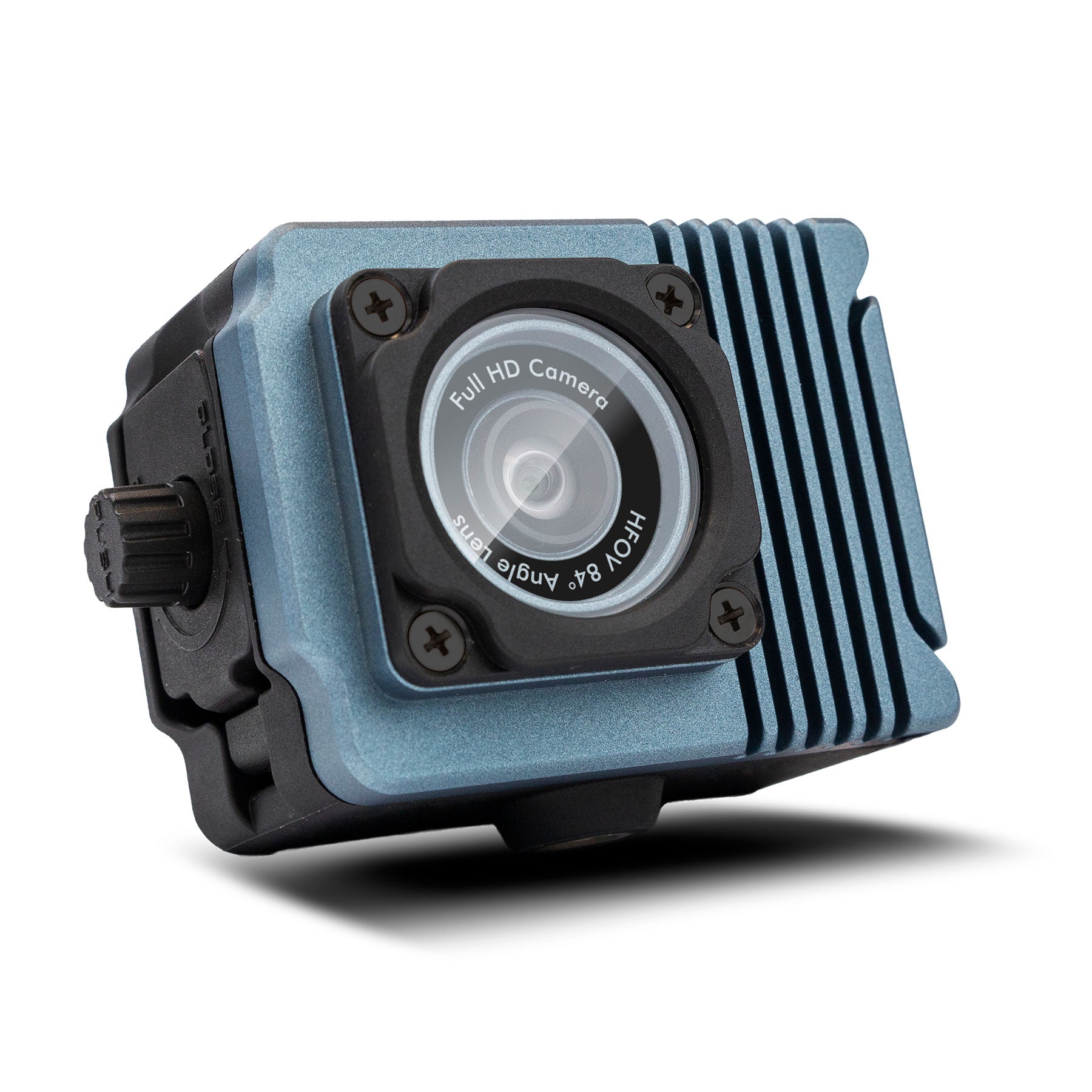
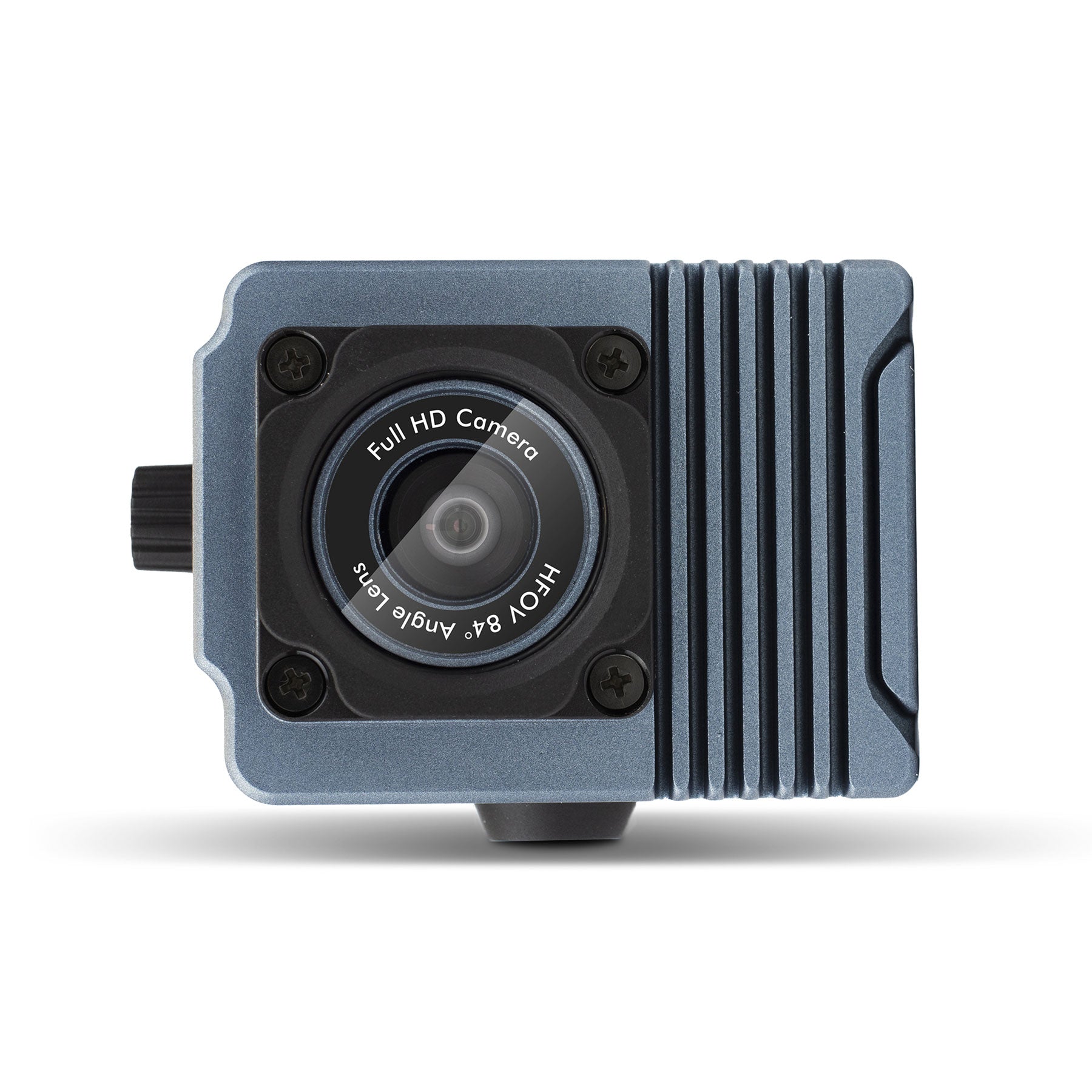
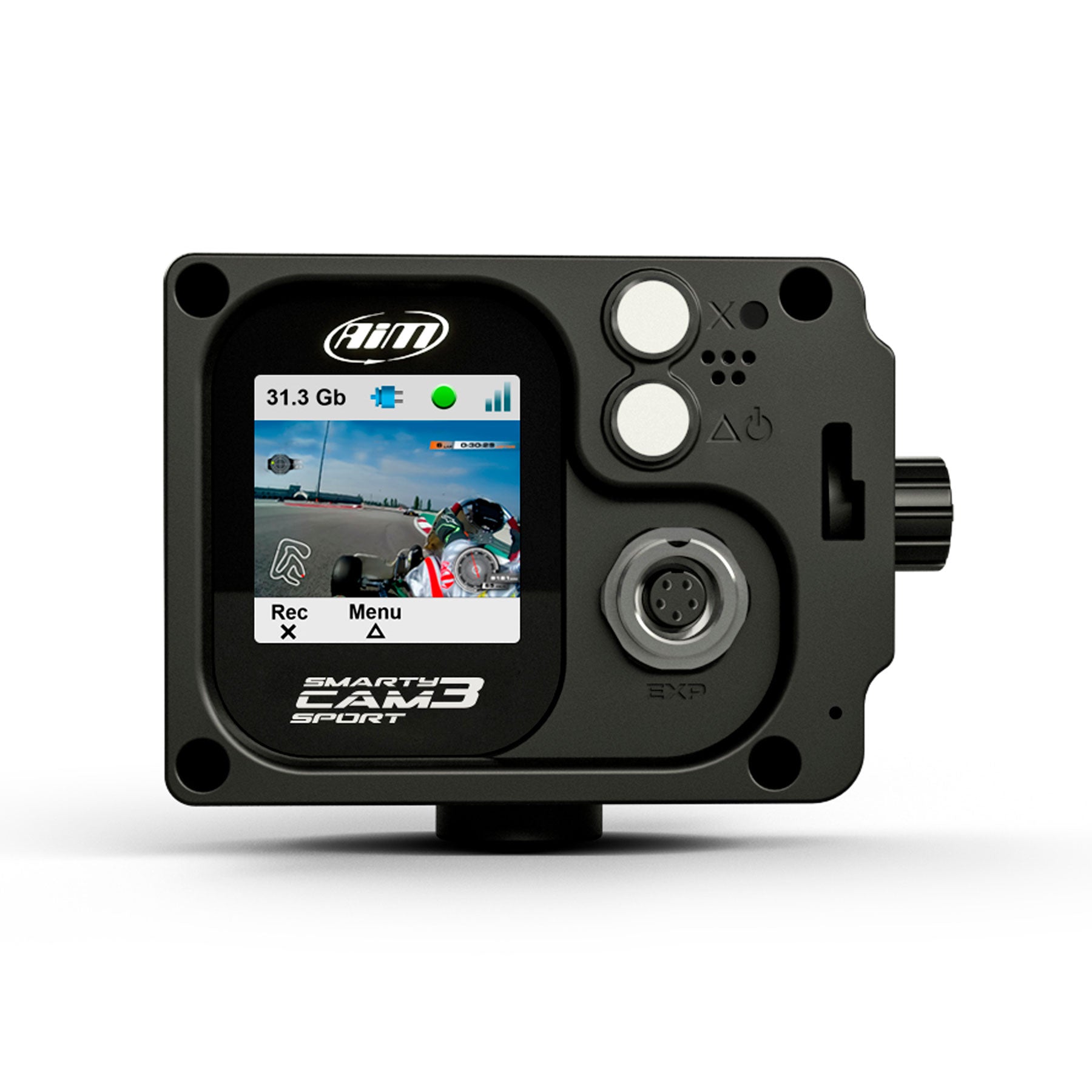


Description
Requires:


Note:
If you are using a LCU1 / LCU1S with the SmartyCam 3 do not use the power from the 2 port hub, only connect the power to the LCU1 / LCU1S this will also provide power to the SmartyCam 3. The 2 Port Powered Hub Does not Deliver enough power to start / Warm up the oxygen sensor on the LCU1S.
If you are wanting to use the SmartyCam 3 and an LCU1 we recommend using the 4 port expansion hub not the 2 port pow


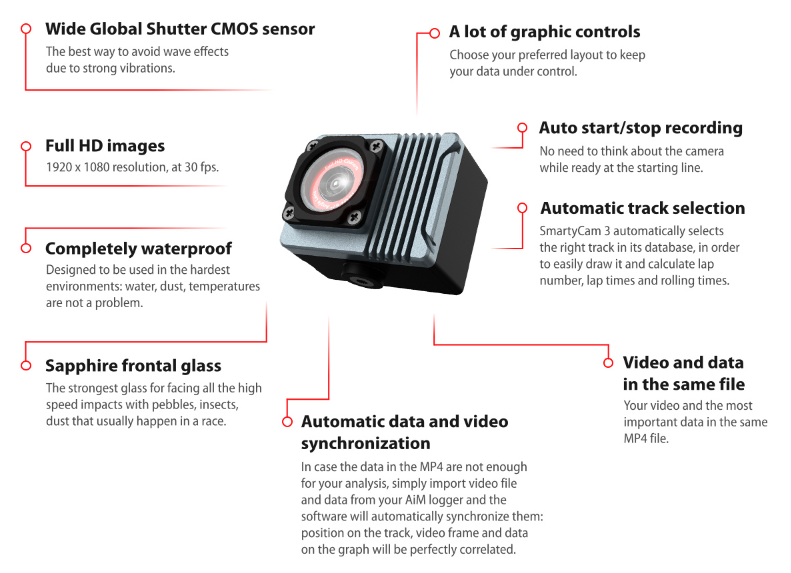
Configurable Overlays
The new SmartyCam 3 SPORT camera has been designed for motorsport with a single purpose:
PROVIDING GREAT VIDEOS INCLUDING ALL THE INFORMATION YOU NEED
SmartyCam 3 SPORT camera overlays all the data from both GPS and AiM loggers connected to your ECU.
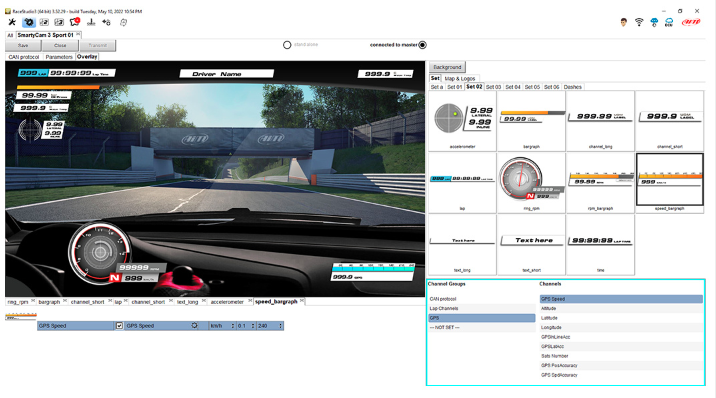
With RaceStudio 3 software you can configure your overlays in virtually infinite variety of ways: add your logo and the track map and choose your graphic objects from a list of pre-determined sets with the same layout or even single objects from different sets. Your videos will be truly "yours" in all details, from the data to their graphic layout.
VIDEO ANALYSIS WITH ANALYSIS 3
The video of a whole session, once downloaded on your PC, can now be split - with a simple click - in individual videos of each lap: so that you can simultaneously watch two of them and check where you were faster or slower.
The same operation can be performed with a SmartyCam 3 SPORT video recorded on the same track: you will be able to compare your best lap with your friends personal best!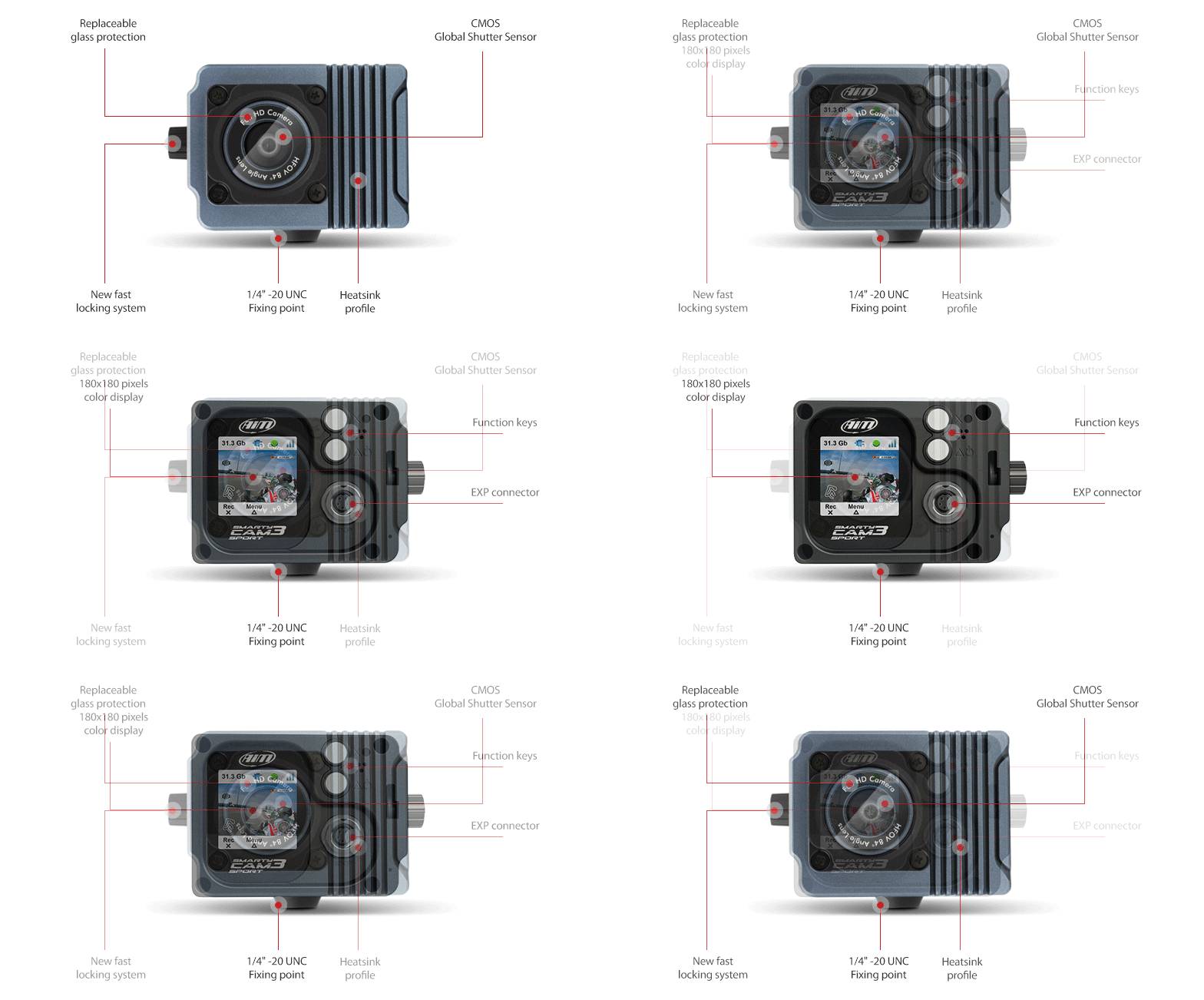
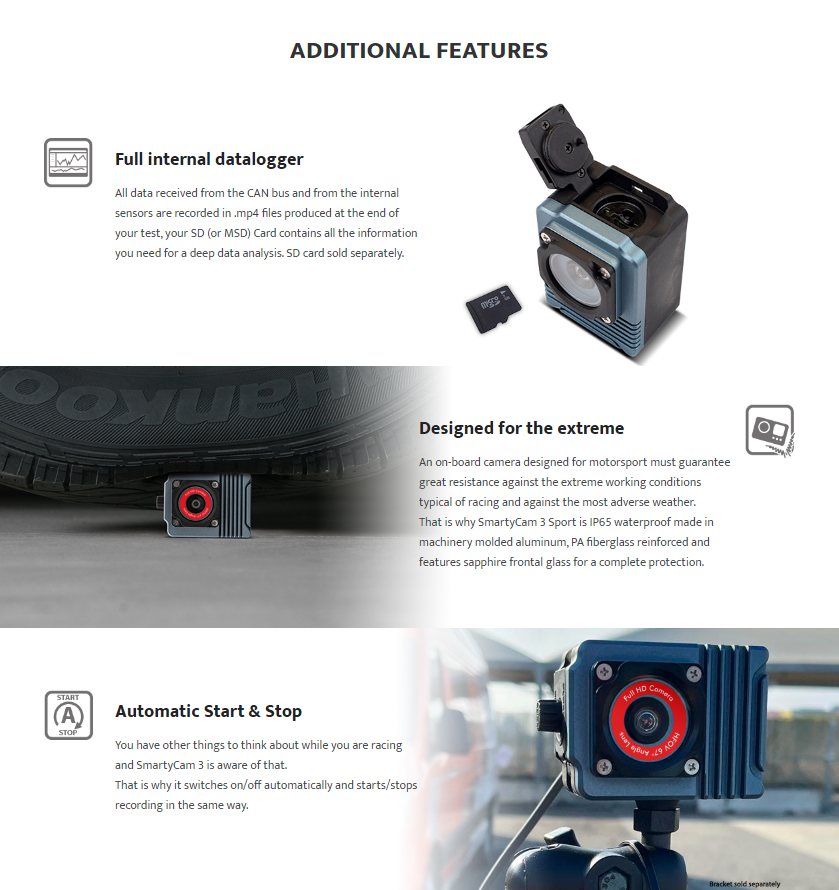
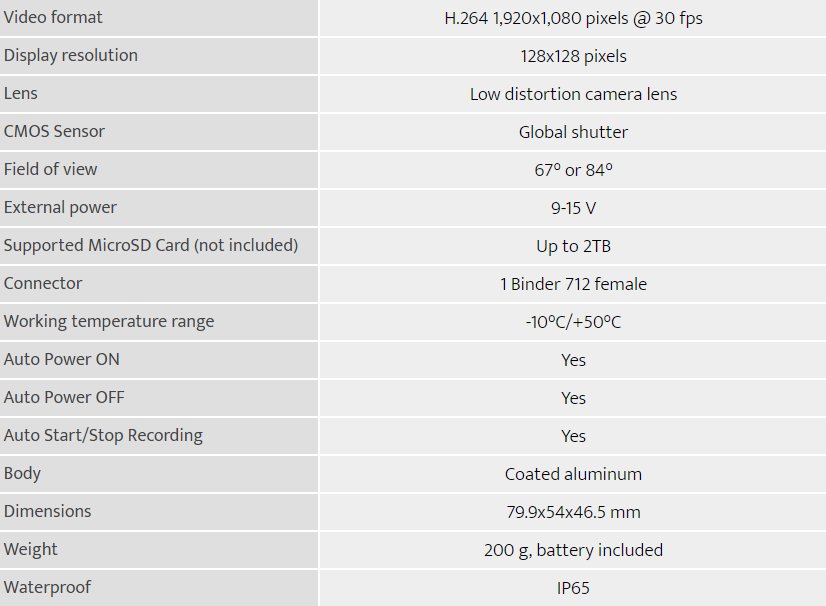
It is important to note that the SmartyCam 3 Sport does not come with a SD card.
Click Here for the SanDisk 128GB Extreme SD Card. Perfect for your SmartyCam
- the SmartyCam 3 Sport requires a class 10 SD card or faster for reliable recording
- Between 64GB - 128GB
To complete your SmartyCam setup, you will require a 2 port powered hub for the external power source and a mounting kit.
Mounting Kit options:
SmartyCam HD V Base Mounting Kit (Recomended)
Or
Note:
If you are using a LCU1 / LCU1S with the SmartyCam 3 do not use the power from the 2 port hub, only connect the power to the LCU1 / LCU1S this will also provide power to the SmartyCam 3.
If you are wanting to use the SmartyCam 3 and an LCU1 we recommend using the 4 port expansion hub not the 2 port powered hub.
When using both a LCU1S and a SmartyCam we recommend using the 4 Port Expansion hub.
Plug the 4 port expansion hub into the EXP port on your MyChron > LCU1S to the hub > smarty cam 5 pin cable from the camera to the hub.
The Power from your LCU1S will power the SmartyCam.
The SmartyCam does have a small internal battery, however this battery is small and will only run for around 1 - 2 seasons.
We always Recommend powering the SmartyCam with either a 2 Port Powered Hub that plugs into your 12V kart battery, or if you are also using a LCU1S this will supply power to the SmartyCam if plugged into a 4 port expansion hub.
Any question?
If we still haven't answered your question, you can contact us below and we will get back to you as soon as possible.